For the complete documentation index, see llms.txt. Markdown versions of all docs pages are available by appending .md to any docs URL.
HTTP authorization
Verified : Code examples on this page have been automatically tested and verified.Define allow, deny, and require rules using CEL expressions.
Attaches to:
Note
Agentgateway supports more than one configuration style. Where a feature can also be configured in the simplified llm or mcp modes, the examples on this page show each option in tabs. For more information, see Routing-based configuration.
HTTP authorizationAuthorization (AuthZ)The process of determining what actions an authenticated user or service is allowed to perform. Agentgateway supports HTTP authorization, MCP authorization, and external authorization services. allows defining rules to allow or deny requests based on their properties, using CEL expressions.
Note
Try out CEL expressions in the built-in CEL playground in the agentgateway UI before using them in your configuration.
Policies can define allow, deny, and require rules. Rules are evaluated in this order of precedence:
- If there are no rules, the request is allowed.
- If any
denyrule matches, the request is denied. - If any
requirerule does not match, the request is denied. Allrequirerules must match for the request to proceed. - If any
allowrule matches, the request is allowed. - If no rule matched the request, the outcome depends on whether any
allowrules are configured:- If no
allowrules are configured, the request is allowed (denylist semantics:denyandrequirerules act as a gate, and anything not blocked is permitted). - If
allowrules are configured, the request is denied (allowlist semantics: only explicitly allowed requests are permitted).
- If no
Warning
A CEL expression that cannot be evaluated is treated as false. For example, if the expression refers to jwt.aud, but the request has no JWT. The effect depends on the rule type:
- A
requireexpression that isfalse(or errors) denies the request (fail-closed). - A
denyexpression that errors does not match, so it does not deny the request (fail-open). - An
allowexpression that errors does not match, so it does not allow the request.
You can configure authorization rules in the UI or in your configuration file.
The following steps add the same authorization policy as the Simplified (LLM) example in the Config file tab.
Create a configuration with an LLM model, but no authorization policy. You add the policy in the UI.
# yaml-language-server: $schema=https://agentgateway.dev/schema/config
llm:
  models:
  - name: "*"
    provider: openAI
    params:
      apiKey: "$OPENAI_API_KEY"
Start agentgateway with this configuration.
Open http://localhost:15000/ui/llm/policies (LLM > Policies), and click the Authorization tile.
Add each of the following rules. For each rule, click Add rule, select the effect from the rule’s dropdown, and replace the example expression in the editor.
Effect Expression Allow request.path == "/authz/public"Deny request.path == "/authz/deny"Require jwt.aud == "my-service"Allow request.headers["x-allow"] == "true"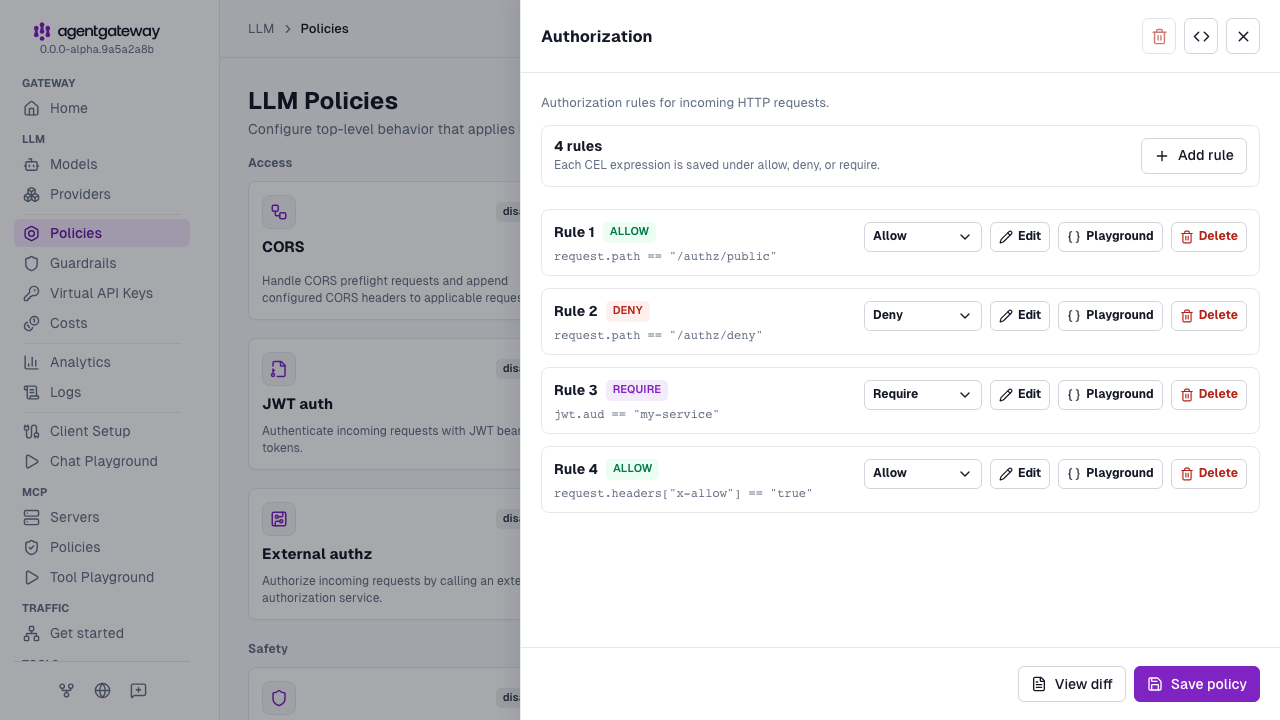
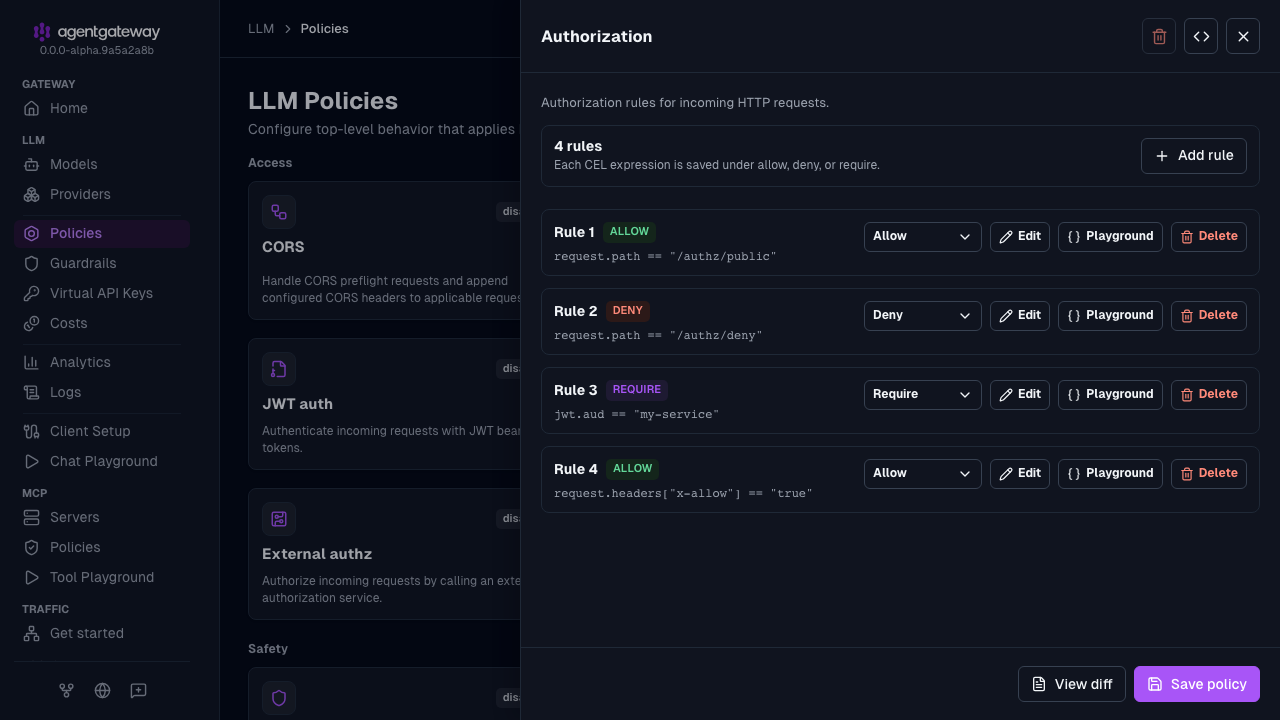
Click Save policy.
The UI saves every rule as an object with an allow, deny, or require key. A legacy string rule, such as the last rule in the Config file tab, is saved as an allow rule, which behaves the same. To try out an expression first, click Playground on the rule to open it in the CEL playground.
You can also add an authorization policy in MCP > Policies, or in the Route policies section of a route in Traffic > Routes.
Whether the UI can save depends on your storage mode. For more information, see Save changes from the UI.
Require rules
The require rule type expresses mandatory conditions more clearly than double-negative deny rules, and it fails closed. For example:
- In the Authorization policy drawer, click Add rule.
- Select Require from the rule’s dropdown.
- Replace the example expression with
jwt.aud == "my-service". - Click Save policy.
You might be tempted to express the same intent with a deny rule:
# NOT equivalent when jwt.aud is missing
authorization:
  rules:
  - deny: 'jwt.aud != "my-service"'
These rules behave the same when a JWT with an audience claim is present, but they differ when the claim is missing. With no JWT, jwt.aud is undefined and both expressions error:
- A failed
requireexpression denies the request (fail-closed). - A failed
denyexpression does not match and therefore does not deny the request (fail-open). The request might be allowed by other rules.
For mandatory conditions such as “all requests must have a valid audience claim,” prefer require, which fails closed.
Unlike allow rules (where any one match permits the request), all require rules must match for the request to proceed.
LLM authorization
In simplified LLM mode, you can also apply authorization at the policy layer with llm.policies.authorization.rules to require every request on the local listener to be authenticated, and at the model layer with llm.models[].authorization.rules to restrict access to a specific model.
Each rule in llm.models[].authorization.rules uses the same schema as route authorization:
- A CEL string (legacy shorthand for
allow) - An object with
allow - An object with
deny - An object with
require
The following steps add the model-level rules from the Config file tab to the gpt-4 model.
Create a configuration with the
gpt-4model, but no authorization rules, and start agentgateway with it.# yaml-language-server: $schema=https://agentgateway.dev/schema/config llm: models: - name: gpt-4 provider: openAI params: model: gpt-4o apiKey: "$OPENAI_API_KEY"Open http://localhost:15000/ui/llm/models (LLM > Models), and click the Edit model icon for the
gpt-4model.Expand Advanced > Model policies > Authorization.
Add each of the following rules. For each rule, click Add rule, select the effect from the rule’s dropdown, and replace the example expression in the editor.
Effect Expression Require jwt.aud == "llm-api"Deny request.headers["x-org"] == "blocked"Allow request.headers["x-org"] == "engineering"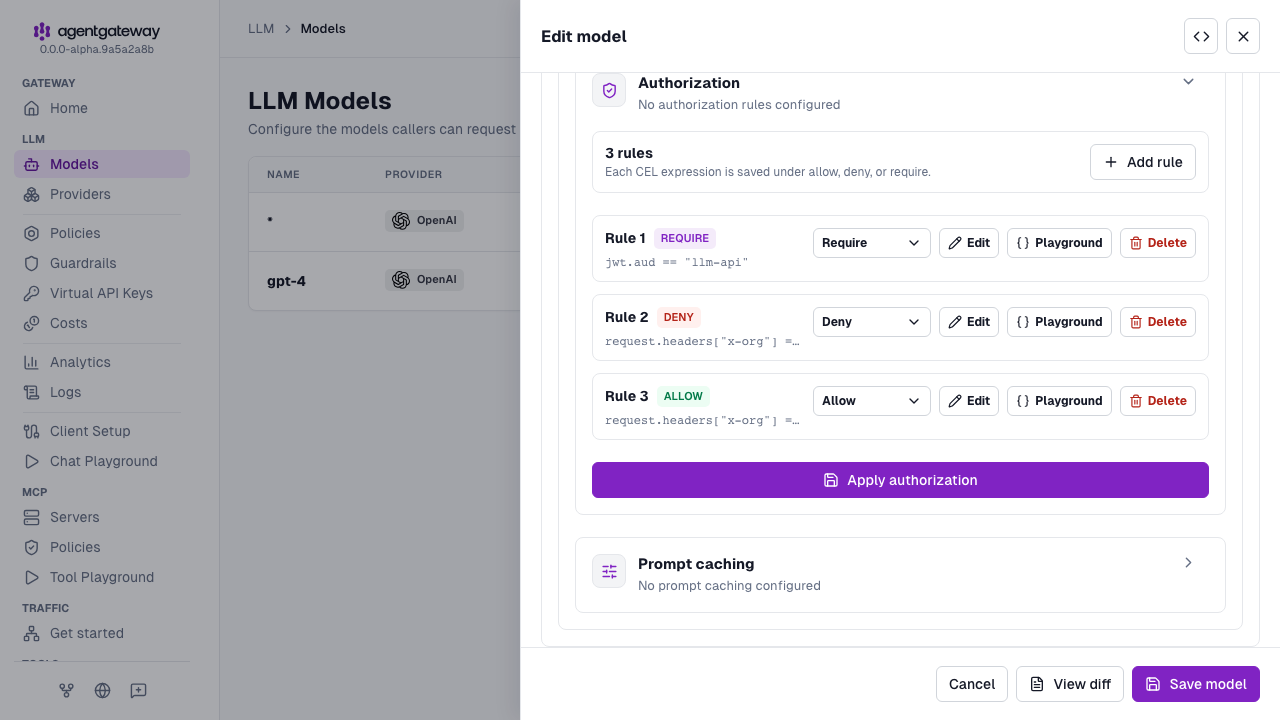
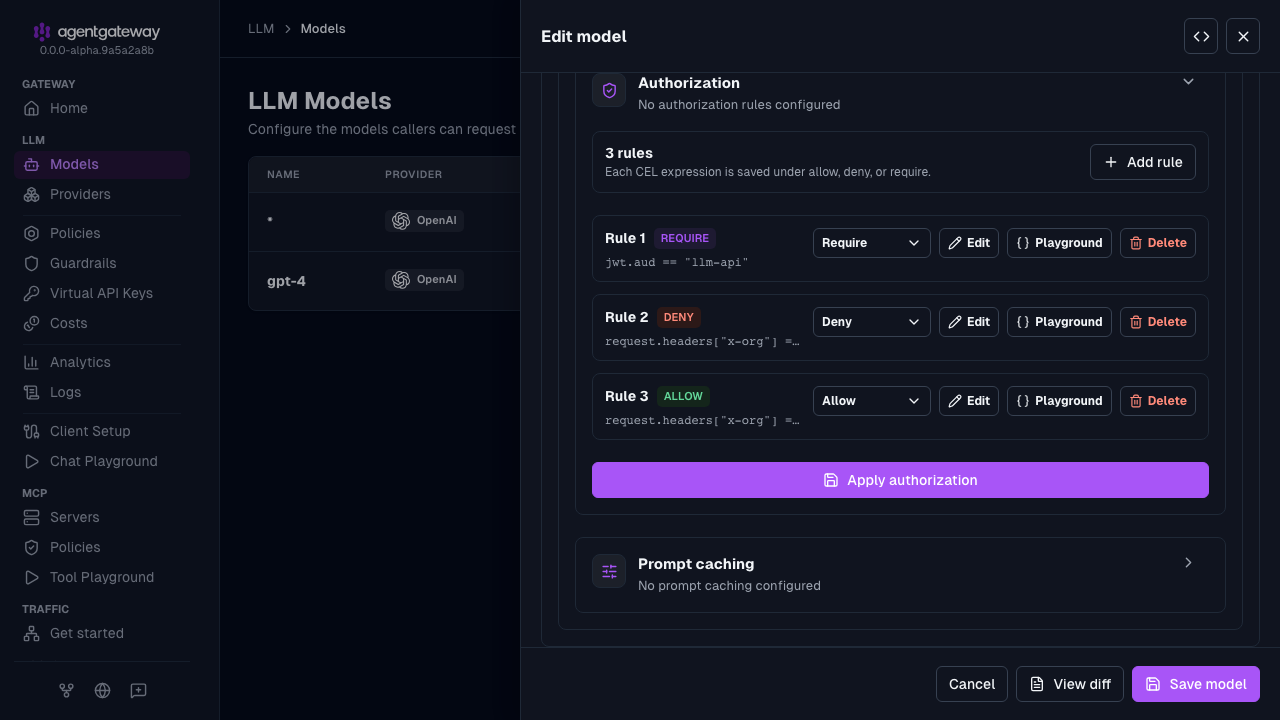
Click Apply authorization, and then click Save model.
The UI saves the last rule as allow: request.headers["x-org"] == "engineering" instead of the legacy string form. Both forms behave the same. To add the policy-layer rules in llm.policies.authorization, open LLM > Policies, and click the Authorization tile. Add each rule with Add rule, and click Save policy.
The LLM models endpoint (/v1/models) is also gated by authorization. If a caller does not satisfy authorization rules for a model, that model is not returned. This authorization filtering is separate from llm.models[].visibility, which controls whether a model is directly exposed or kept as an internal virtual-model target.